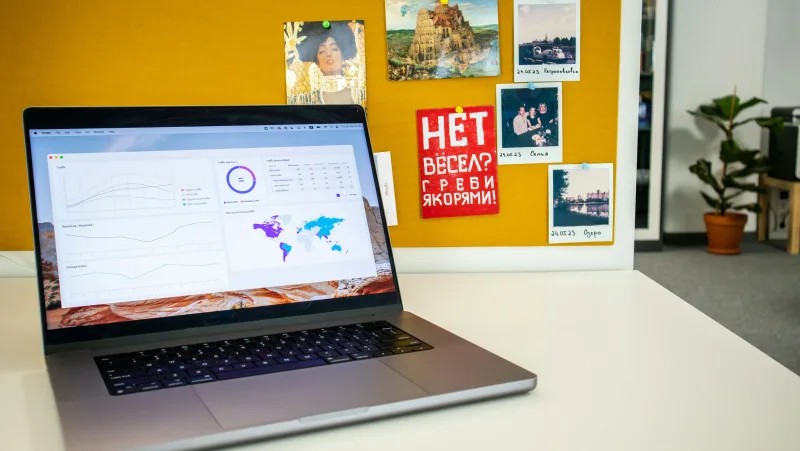
Too many “let me share my screen” moments turn into a scramble of closing tabs and apologising for both. Treat the start of sharing as an eight-second decision about what the other side should see. Most people skip the decision, and consequently spend the session narrating their desktop instead of the topic.
Choose the smallest honest frame
Three options, each with its place.
- A single window — the default for a reason. The audience sees one document or dashboard; your notifications and stray tabs stay private.
- A whole desktop — for demonstrations that hop between tools mid-sentence. Set Do Not Disturb first: an unread-message interruption during a live demo is never the look you want.
- No screen at all — when the material can be opened in the call itself, let the document be the screen.
Worth knowing
When you hand control to a colleague, say so out loud and stay present. Remote mouse-wrangling works only while the audience knows who is typing and why their sentence keeps getting revised mid-word.
From showing to editing together
Screen sharing is for things that cannot be shared live — a buggy build, a status page, a system with no guest view. For documents, the better move is to open the file inside the meeting. Everyone gets their own view, the presenter nominates sections, and participants become editors instead of spectators.
- Open the file, state the goal in the chat panel, assign one person to type the first paragraph or bullet.
- Write silently for three to five minutes, then compare and trim edits when done.
Watching someone type is a meeting; editing alongside them is work. The switch costs one deliberate move from “sharing” to “inviting”, and it is the single most-repeated advice in this whole handbook.